PyroBlox Fireworks Getting Started in Fireworks Playground
Learn the menus, earn your first coins, and place a linked volley before the session ends.
Fireworks Playground by Pseudo Studio is a free Roblox fireworks sandbox with 2000+ unlockable products, weekly drops, quests, minigames, and serious show tools. This beginner guide gets you from first join to a competent first hour: menus, shop tabs, equipment, loadouts, fuse linking, consumables, codes, and what to ignore until later.
Play the experience here: Fireworks Playground on Roblox. When you need free coins immediately, open Codes Hub. When you are ready to optimize income, continue with Earn Coins Fast.
What kind of game this is
You buy or unlock fireworks, place them in the world, light them, and earn coins from ignitions. Coins buy better fireworks. Roughly 1,000,000 coins earned = 1 level, and higher levels gate flashier shop rows. There is no traditional wave combat campaign — creativity, grinding efficiency, and quests drive progression.
Co-op is shared-world social: public servers for chaos and audiences, private servers for clean practice and lag-free farms.
First five minutes checklist
- Load in and open the bottom-left menu — home for settings, codes, and key panels.
- Redeem every working code via How to Redeem Codes.
- Open the shop and note category tabs: mortars, rockets, cakes, crackers, fountains, roman candles, and related specialty tabs as the studio adds them.
- Visit the equipment flow for a lighter and fuse — you need both for linked volleys.
- Place three cheap fireworks, practice lighting, and watch coins tick up.
If anything feels invisible, wait for full load or rejoin; half-ready sessions hide buttons.
Shop literacy
The shop is your progression spine.
- Browse categories to learn silhouettes — cakes for multi-shot beds, rockets for height, mortars for shell breaks.
- Use search when you know a name from a video.
- Open Owned and sort by reward once you have a collection; this is the habit that separates stuck beginners from coin printers.
- Respect level locks. Grinding and codes raise the ceiling; staring at a locked thumbnail does not.
Avoid spending your entire code windfall on ultra-cheap crackers. Buy a mix you can place now with solid rewards, plus the tools to light them efficiently.
Loadouts
Loadouts save a backpack configuration so you can re-equip a grind or show kit in one click.
- Base accounts get a handful of slots; Loadout Upgrade raises the cap (community guides cite up to around ten).
- Always save lighter + fuse into kits you actually use.
- Build a “money” loadout early even if it is ugly — pretty can wait.
- Cycle multiple loadouts while cooldowns recover; one backpack is not a full session plan.
Detailed cycling math lives in Earn Coins Fast.
Fuse linking without tears
New players always ask how linking works:
- Equip the fireworks you plan to use.
- Grab fuse and lighter from equipment.
- Place fireworks in the world.
- Hold the fuse and open the fuse menu.
- Choose manual link or Auto Link.
- Set fuse time delays for staggered ignitions.
- Click fireworks to link while holding fuse.
- Light when ready (lighter, or later remote tools).
Auto Link (place already linked) is tied to the Fuse Upgrade gamepass (Auto Link + higher link limits). Tablet Upgrade also advertises an auto-link path for players who skip Fuse Upgrade. Manual link is enough for tutorials and small shows.
Public servers may limit how many ultra-large shot pieces you can park per link — the pass descriptions call out those caps. Practice big grids in a private server.
Remote detonator and firing tablet
Once basic linking clicks:
- Remote detonator — link, walk away, fire from a camera-friendly spot.
- Firing tablet — channel-style control for more organized shows; upgrades expand channels.
Buy these from the equipment shop when you start caring about shows. They are optional on minute thirty.
Consumable shop
Outside near the main shop you will find the consumable shop: speed and jump potions, ramps, tubes, shells, and other placement helpers. Potions help Rocko hunts and map traversal. Tubes/shells matter when you experiment with mortar-style loading workflows. Do not drain your starter coins on every consumable — pick tools that match today’s goal.
Settings worth touching on day one
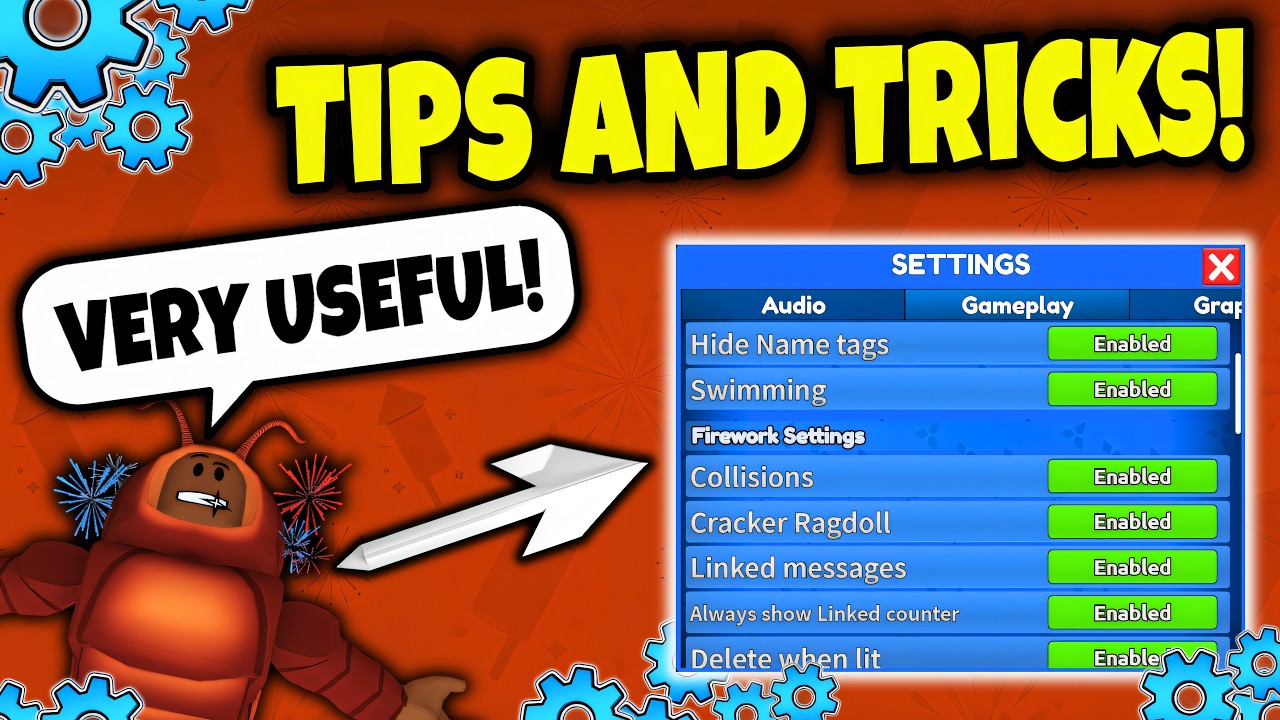
Open gameplay/audio settings from the menu gear:
- Lower graphics if you hitch while lighting clusters.
- Learn where firework FX visibility toggles live so grind sessions stay smooth.
- Audio matters for timing shows; keep SFX audible even if music is low.
More detail: Tips and Settings.
Quests, Rockos, and minigames
Quest boards rotate objectives. The famous Find All Rockos hunt only reveals Rockos while that quest is active — if you see nothing, you probably do not have the quest yet. Full route advice: Find All Rockos.
Minigames and seasonal activities sprinkle extra coins; treat them as bonuses on top of lighting revenue, not a replacement for loadouts.
Passes (optional, not required)
Useful paid upgrades people mention constantly:
- VIP — roughly 20% more firework rewards plus extras
- Faster Placement — about half cooldown
- Fuse Upgrade — Auto Link + higher link limits
- Backpack Upgrade — carry more firework types at once
- Loadout Upgrade — more saved kits
You can enjoy the game for free. Passes only compress time.
First-hour game plan
- Redeem codes.
- Buy a coherent starter kit with decent rewards.
- Save loadout #1 with lighter + fuse.
- Place, light, and confirm coin gain.
- Create loadout #2 from the next reward tier you can afford.
- Lower graphics before a bigger volley.
- Skim Tier List Hub so your next purchases follow a plan.
- Bookmark Guides Hub for the next session’s goal.
Skip scripts on day one. If you are curious later, read the risk notes on Scripts Hub first.
Common beginner mistakes
- Ignoring codes, then complaining the shop is expensive
- Buying only ultra-cheap low-reward clutter
- Forgetting to equip a lighter
- Manual-linking 80 pieces in a public lag storm before learning private servers
- Hunting Rockos without the quest active
- Spending everything on show candy before a money loop exists
Avoid those and Fireworks Playground opens up fast: weekly new fireworks, community shows, and a long unlock treadmill that actually feels fair when you understand loadouts.
You now know enough to play with intention. Redeem, kit up, light a linked volley, then graduate to coin optimization and real finales when you are hungry for more.
Frequently Asked Questions
Quick answers to the most common questions.
Is Fireworks Playground free to play?
Yes. The experience is free on Roblox. Optional gamepasses speed grinding and show setup but are not required.
How do I link fireworks as a beginner?
Equip fuse and lighter, place fireworks, open the fuse menu, choose manual or Auto Link, set fuse times, click pieces to link, then light. Auto Link needs the relevant upgrade pass.
What should I buy first?
After redeeming codes, buy accessible fireworks with strong rewards plus a lighter and fuse. Save them into a loadout before impulse cosmetic buys.
Why can I not see Rockos on the map?
Rockos only appear while the Find All Rockos quest is active on your quest list. Wait for that quest before searching.
How do levels work?
Progress scales with coins earned — about one million coins earned equals one level — and higher levels unlock more shop fireworks.