Codes
Working Fireworks Playground codes for Nov 2026 free coins, redeem steps, and where new Pseudo Studio codes drop first.
View all CodesRoblox fireworks codes, shows, Rockos & guides.
Unofficial fan wiki for PyroBlox Fireworks (Fireworks Playground on Roblox): codes, firework shows, Rockos, tier lists, and guides.
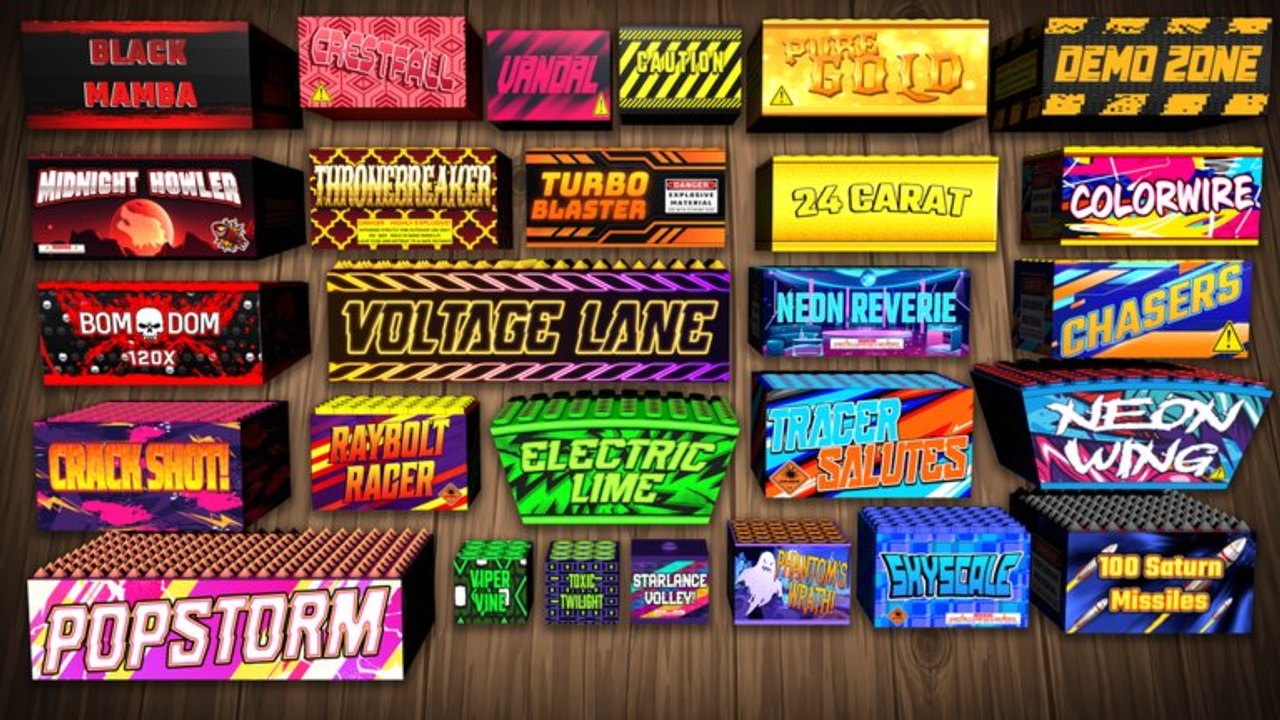
**PyroBlox Fireworks** covers *Fireworks Playground* by Pseudo Studio—a free Roblox fireworks sandbox with thousands of unlockable effects, coin grinding, and weekly content. Start with the getting started guide, redeem free codes for coins, then compare the best pickups on the tier list. When you are ready to perform, learn how to make a firework show and find all Rockos. Prefer automation tools? Review scripts carefully. Track patches on updates.
Working Fireworks Playground codes for Nov 2026 free coins, redeem steps, and where new Pseudo Studio codes drop first.
View all CodesComplete Fireworks Playground guides hub for beginners, configurator, Rockos, shows, coin grinding, and lag fixes.
View all GuidesFireworks Playground tier list hub ranking mortars, rockets, and cakes by coin efficiency plus show spectacle.
View all Tier ListFireworks Playground players hub covering levels, titles, VIP name tags, Pseudo Studio group bonuses, and Discord.
View all PlayersFireworks Playground updates hub covering weekly patches, Halloween and Fall Finale events, codes, and tracking tips.
View all UpdatesFireworks Playground script overview: autofarm features, chest farmers, risks, and safer legitimate coin methods.
View all ScriptsPyroBlox Fireworks wiki overview mapping Fireworks Playground codes, guides, tier lists, scripts, and updates.
View all LinksOpen the in-game Codes menu and claim every active reward listed on our codes page for a fast coin boost.
Spend early coins on reliable mortars and crackers—follow the getting started guide for a safe first shop path.
Hunt every Rocko for bonus progress and collectibles with the find all Rockos walkthrough.
Place, time, and launch a full display using the make a firework show guide so your night sky looks intentional.
Before big purchases, compare value and spectacle on the tier list so coins go into the best fireworks first.
Quick answers to the most common questions.
Join the experience, open the menu, tap **Codes**, then paste each entry from our codes list exactly (usually ALL CAPS). Claim rewards before they expire.
Rockos are scattered collectible/quest targets across the playground. Use the find all Rockos guide for spawn tips and a complete checklist.
Dense firework shows and busy public servers can tank FPS. Lower graphics, space out launches, and try a private server when building large displays so timing stays smooth.
Third-party executors and scripts can ban accounts and steal data. Read our scripts notes for context, prefer official features, and never share your Roblox password or cookie.
Redeem codes, follow getting started, then learn shows and Rockos before spending heavily—cross-check buys on the tier list.
This wiki supports: English, Français, Deutsch, Español, Português (BR). Configure locales in site.meta.json and run npm run generate:i18n.
Redeem codes, follow the getting started guide, hunt Rockos, build a firework show, and check the tier list before your next launch.
Start with the beginner guide